
Camera Tools for DJI
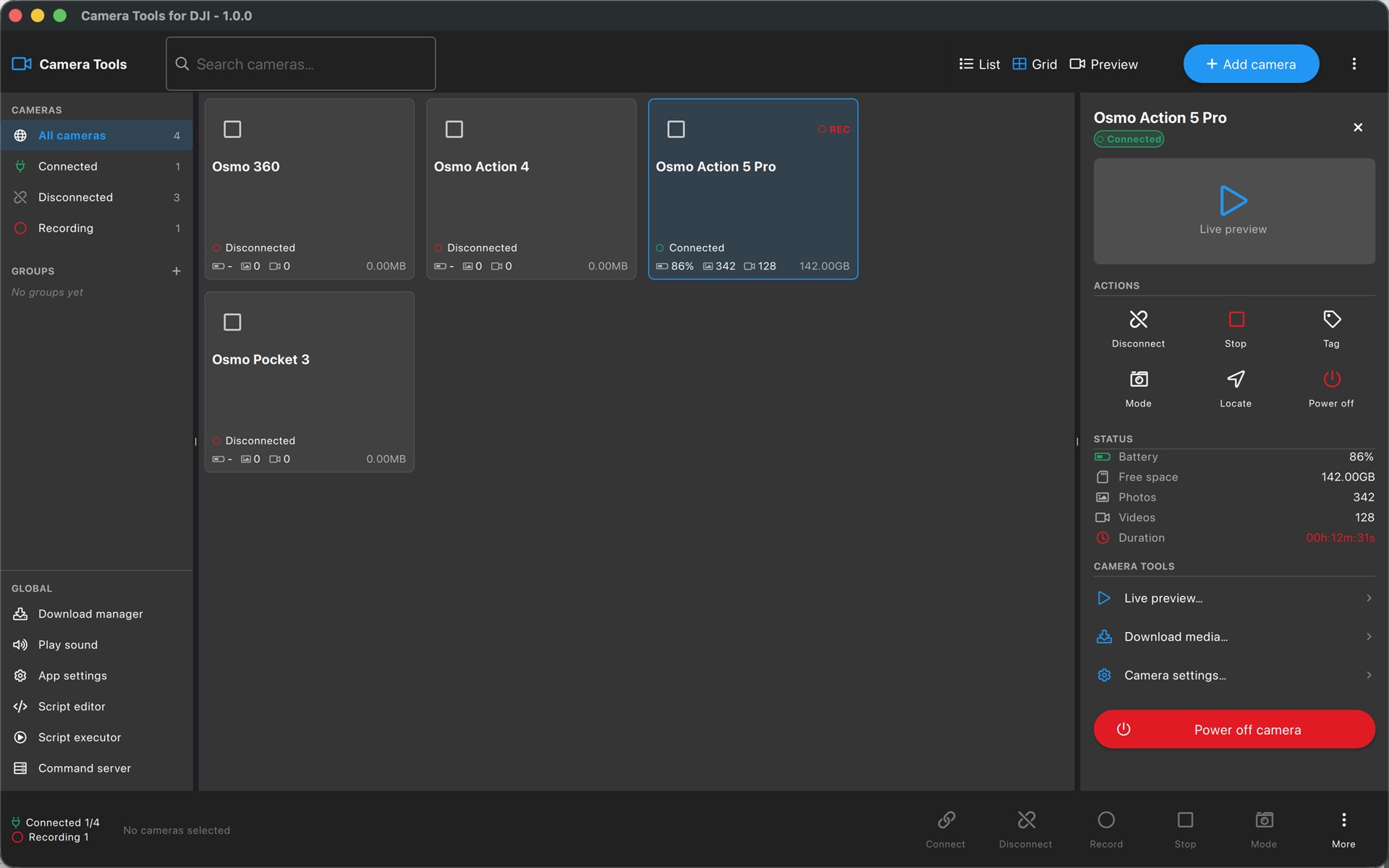
Turn your phone, tablet, Mac and PC into a wireless monitor and full remote control for your DJI Osmo camera — live preview, every important setting, gimbal control and media transfer. No DJI account, no cloud, no subscription.


Features
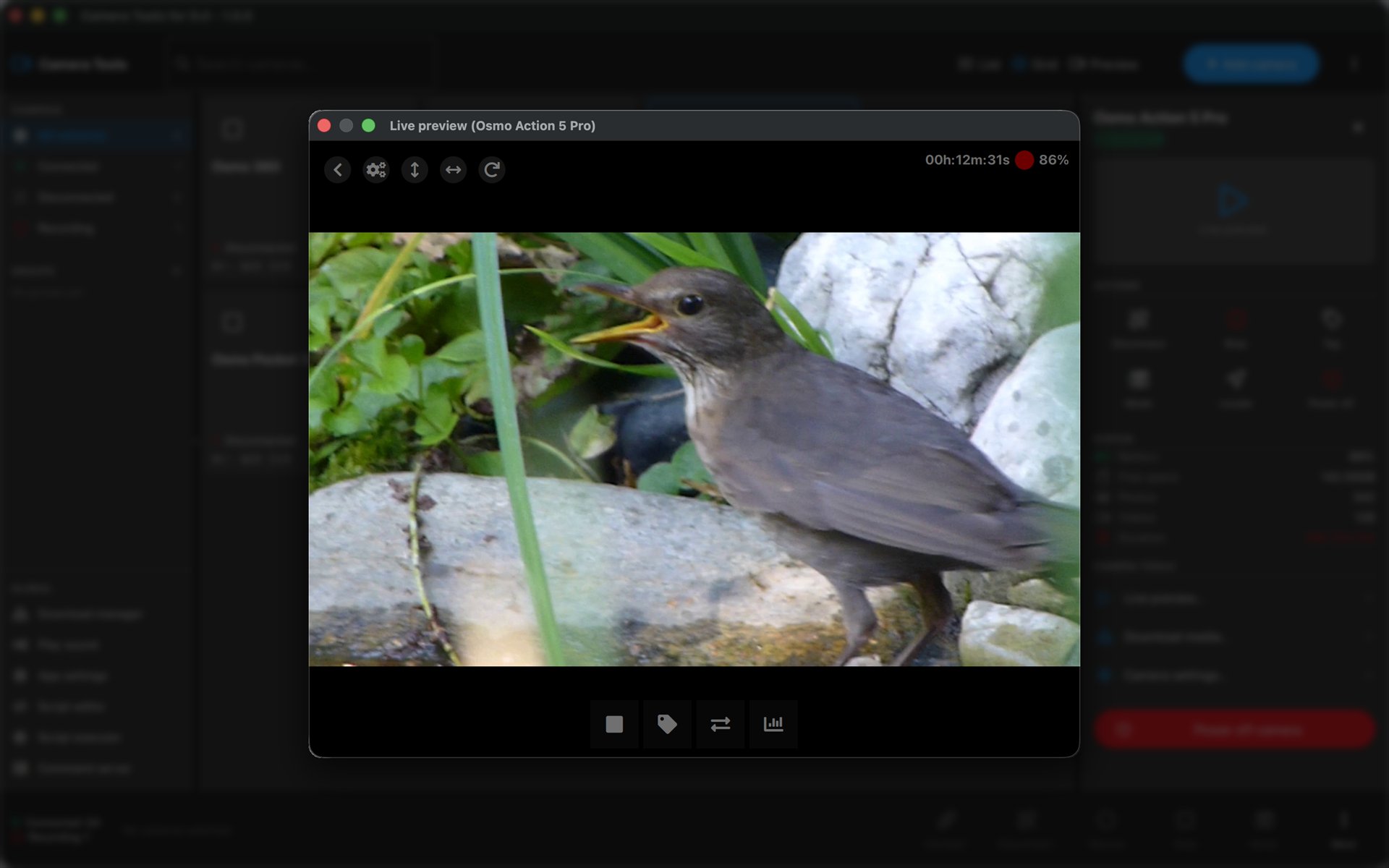
Live preview
See exactly what your camera sees in real time — frame the shot, check focus and exposure, and monitor recording from a distance.
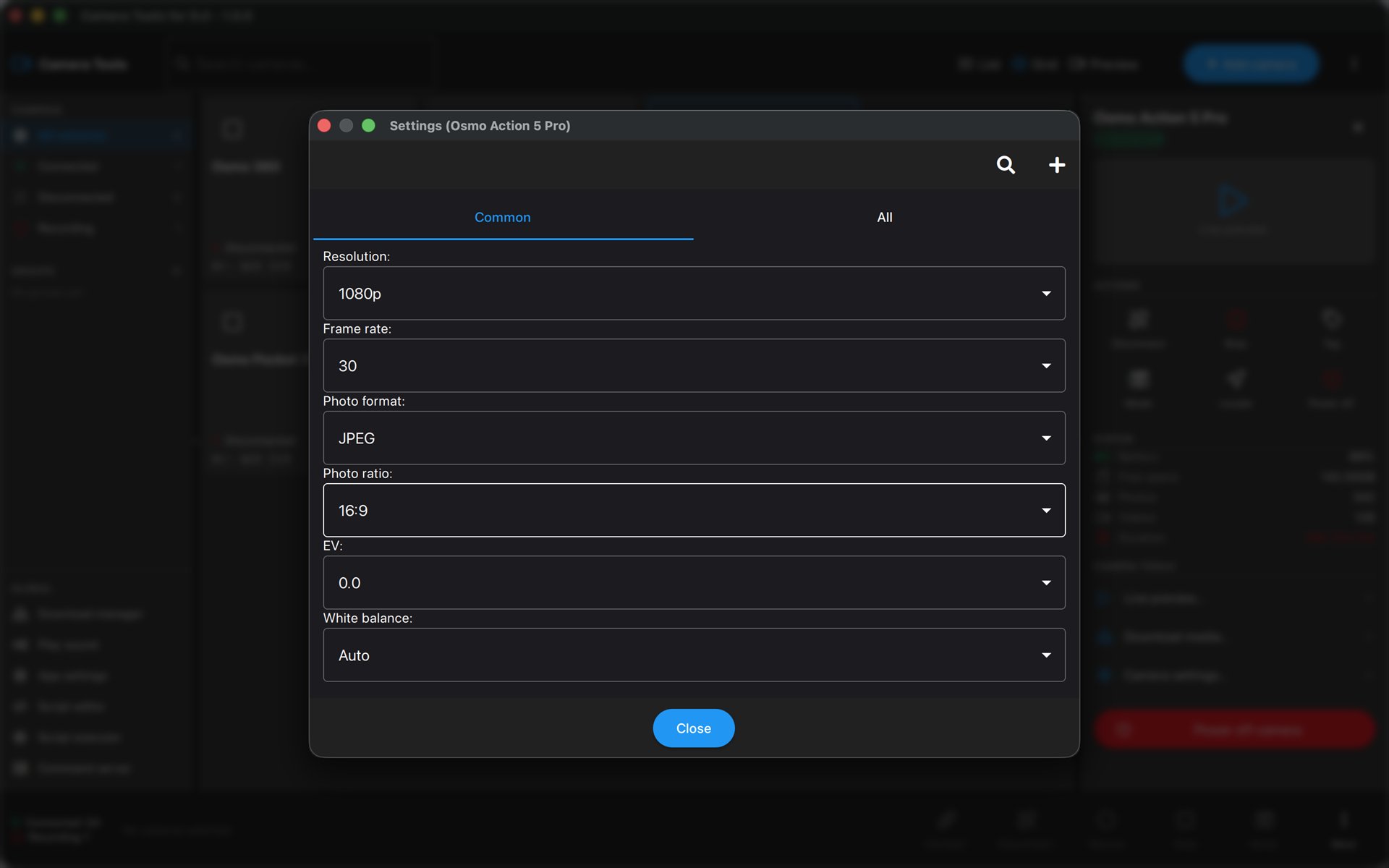
Full remote control
Resolution, frame rate, field of view, stabilization, ISO, shutter, exposure and white balance — plus start/stop recording and photo capture.
Gimbal control
Pan and tilt the gimbal on your Osmo Pocket 2 and Osmo Pocket 3 straight from the app.
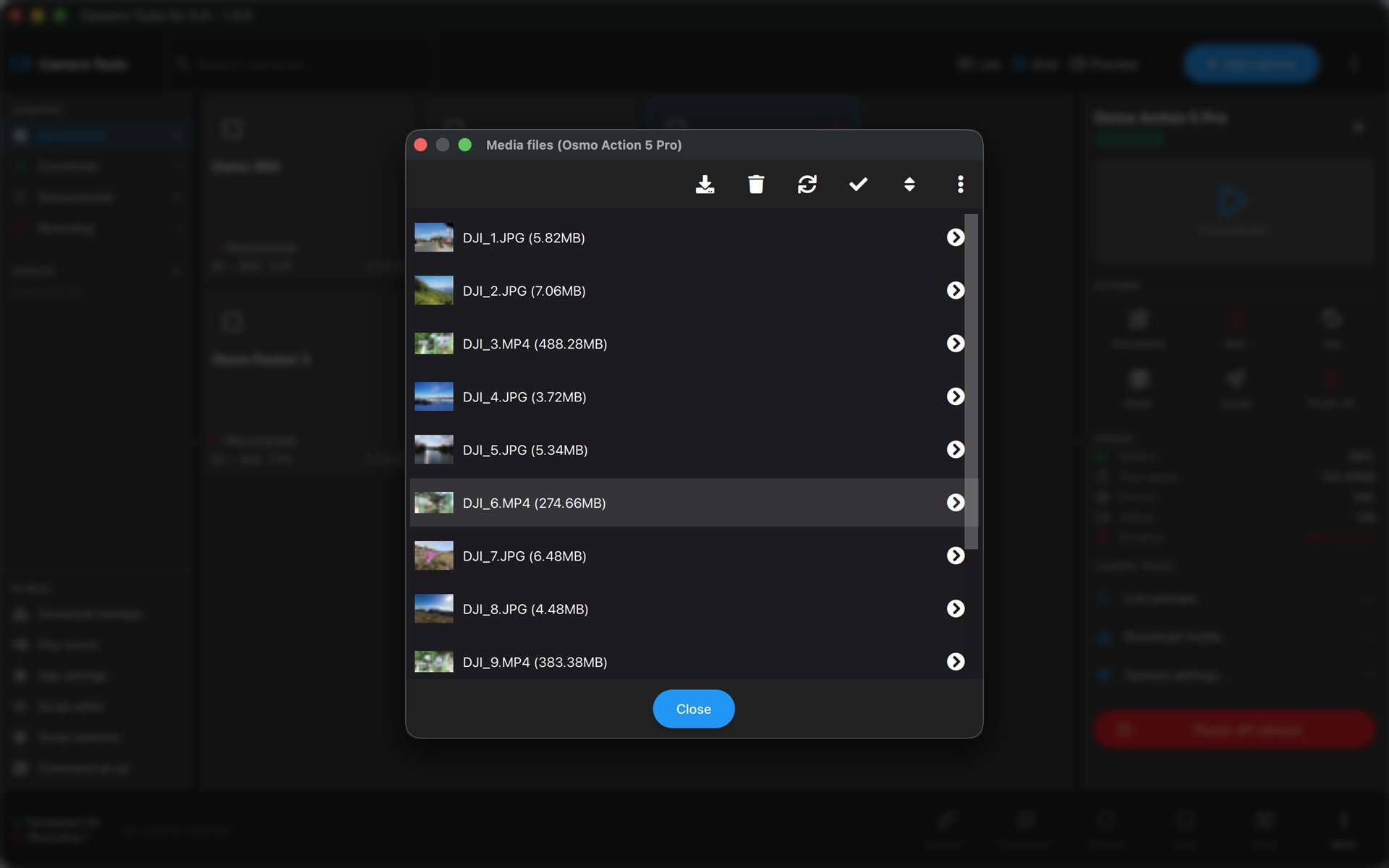
Media browser & download
Browse the photos and videos on your camera, preview them, download them to your device and delete the ones you no longer need.
Multi-camera over Bluetooth
Connect and control several cameras at once over Bluetooth — Osmo Action 4, Action 5 Pro, Action 6 and Osmo 360.
Direct & private
A direct Bluetooth and Wi-Fi connection to your camera. Nothing is routed through the internet — no sign-in, no tracking.
From the makers of Camera Tools for GoPro
Camera Tools for DJI brings the same multi-camera control, live preview and media download that thousands of GoPro users rely on — now built for DJI Osmo Action, Pocket and 360 cameras. See Camera Tools for GoPro →
Also on your watch
Leaving the phone behind? djiControl → is a standalone Apple Watch and Wear OS remote for your Osmo Action and Osmo 360 — recording, modes and tagging straight from your wrist over Bluetooth.
Supported cameras
Most models connect one camera at a time over the camera's Wi-Fi. Multi-camera control over Bluetooth (BT) is available on Osmo Action 4, Action 5 Pro, Action 6 and Osmo 360. Gimbal pan/tilt control is available on Osmo Pocket 2 and 3.
System requirements
Demo videos
Camera Tools for DJI is an independent third-party app. It is not made by, affiliated with, endorsed by, or sponsored by DJI or SZ DJI Technology Co., Ltd. “DJI”, “Osmo”, “Osmo Action” and “Osmo Pocket” are trademarks of their respective owners.