
Car Remote for DJI
Control every DJI™ Osmo camera on your car from the CarPlay or Android Auto screen. Mount cameras at the front, at the back and inside the car, and start them all with one tap — without reaching for your phone or the cameras. Car Remote talks to your cameras directly over Bluetooth.


Features
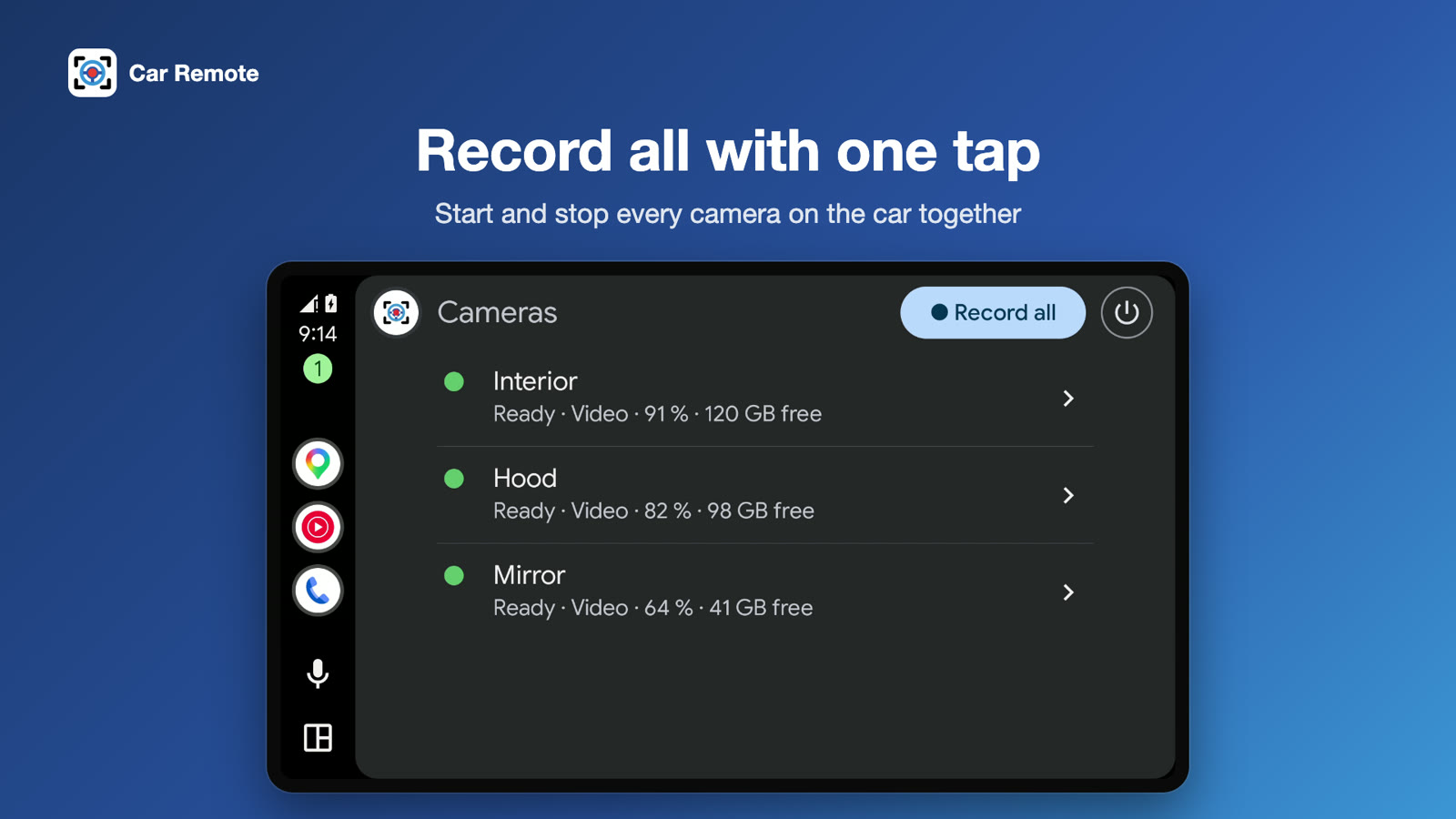
Record all with one tap
Record all and Stop all: every camera on the car starts and stops together. Cameras that join late start recording as soon as they connect.
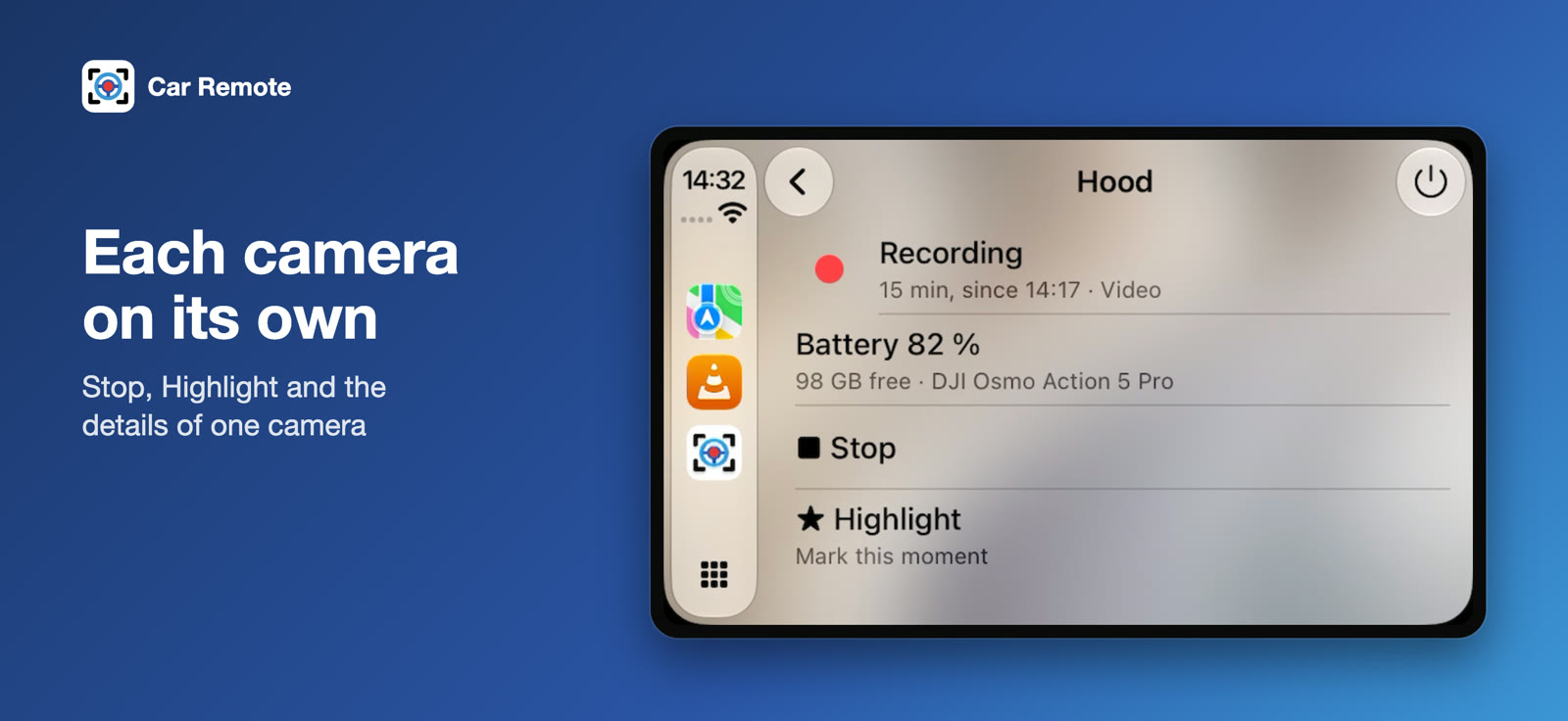
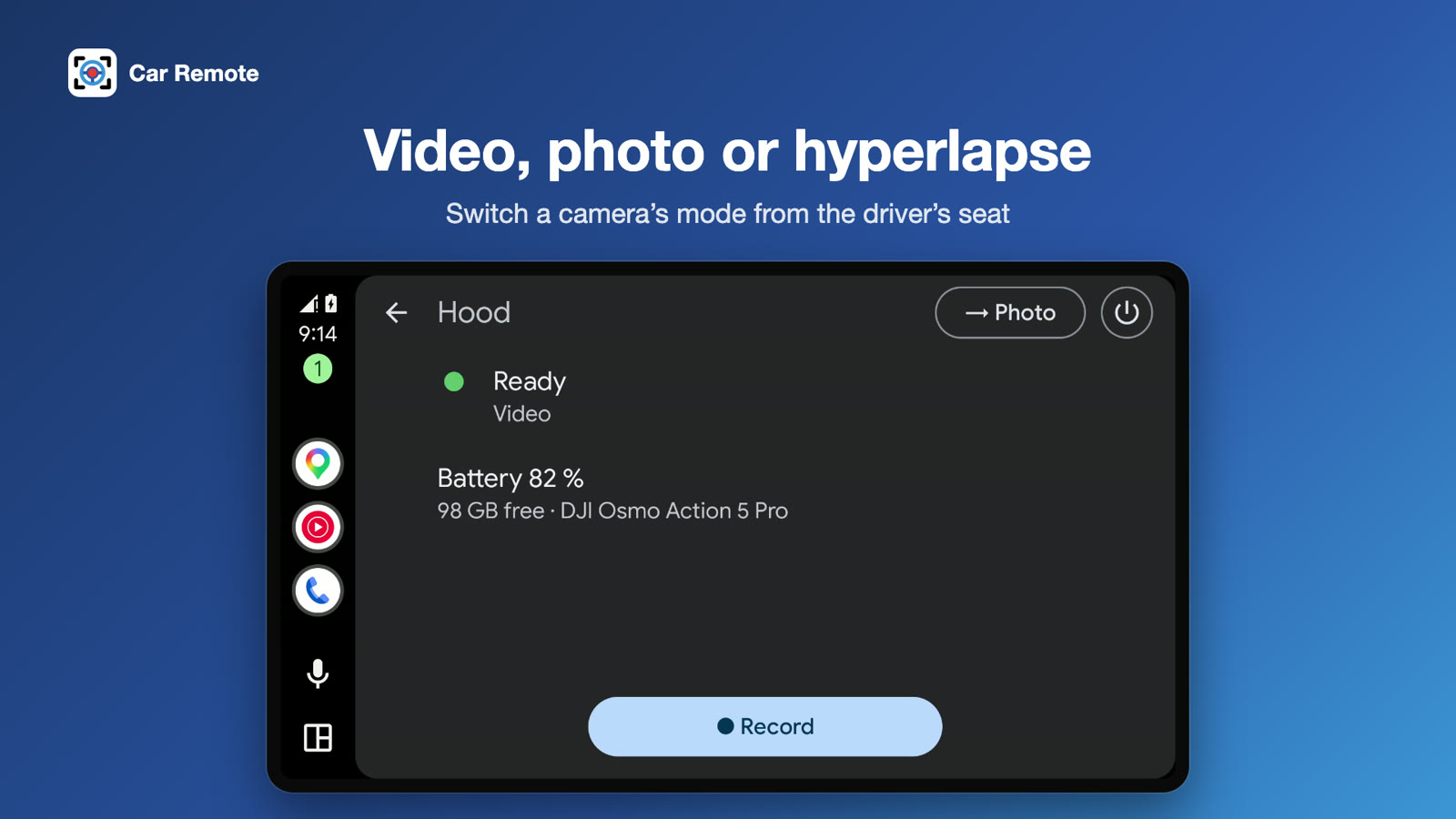
Each camera on its own
Record, stop and mark the moment (Highlight) on a single camera, and switch it between video, photo and hyperlapse.
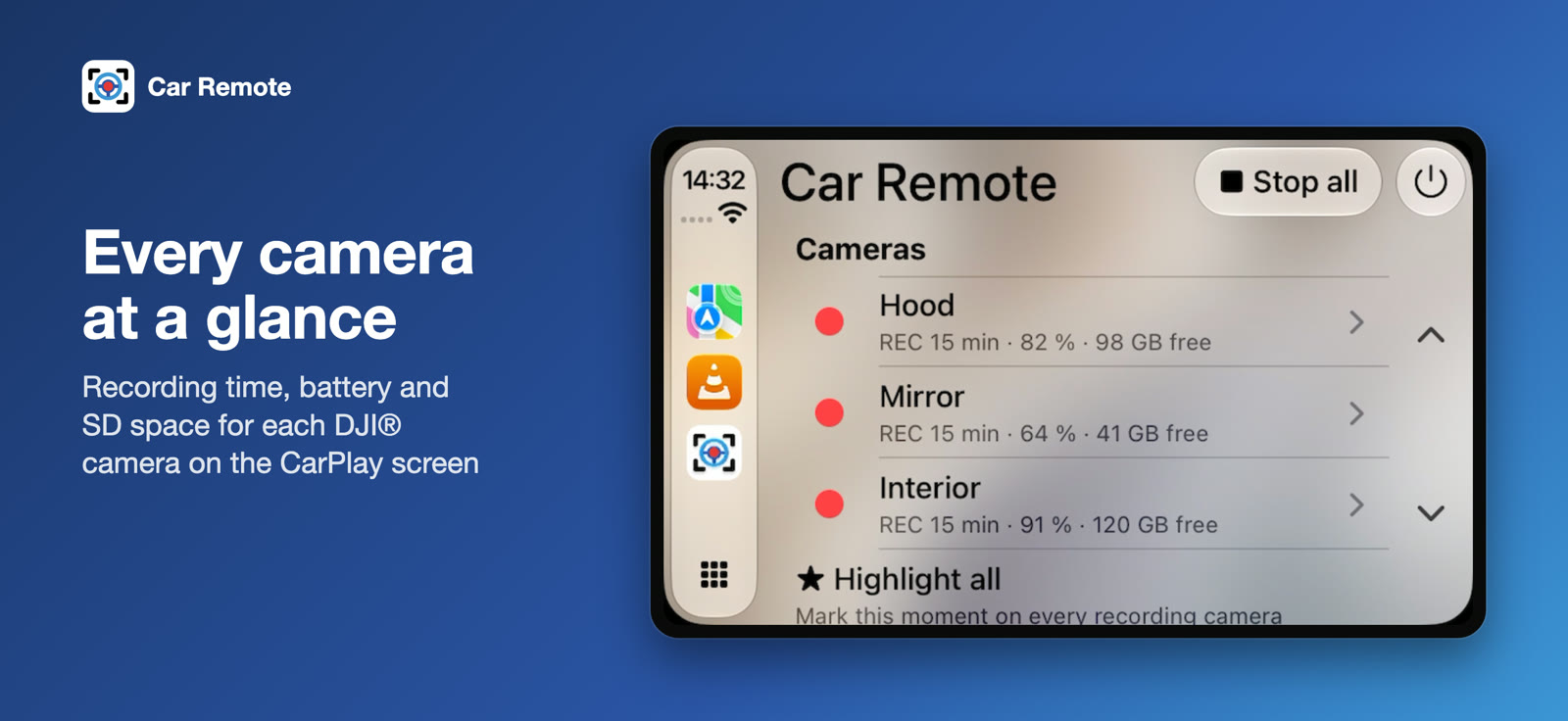
Status at a glance
Recording time, battery and free SD space for every camera.
GPS in your footage
Optionally send your phone's position and speed to the cameras while you drive, the way DJI's GPS remote does. Off until you turn it on.
Power off when you park
Switch all cameras off with one tap, after one confirmation.
Siri & ShortcutsiPhone
“Start recording with Car Remote” — or let Shortcuts start your cameras automatically when your iPhone connects to CarPlay.
Live ActivityiPhone
Recording time on the Lock Screen and in the Dynamic Island (iOS 18+), and on the CarPlay Dashboard (iOS 26+).
Made for the road
Big buttons and short status lines. A camera that is off, out of range or busy never holds up the others, and keeps recording even if the Bluetooth link drops for a moment.
Phone remote too
Add and name your cameras once in the phone app. It also works as a remote on its own, with a live recording timer for each camera.
Supported cameras
Several cameras at once, also of different models.
System requirements
Good to know
Privacy
Car Remote collects nothing. There are no accounts, no analytics and no internet access. Bluetooth is used only to talk to your own cameras, and your location is used only if you turn on GPS for the footage.
Shooting GoPro?
The same car remote is available for GoPro Hero, Max and Mission cameras. See Car Remote for GoPro →
Car Remote for DJI is an independent third-party app. It is not made by, affiliated with, endorsed by, or sponsored by DJI or SZ DJI Technology Co., Ltd. “DJI”, “Osmo”, “Osmo Action” and the camera names above are trademarks of SZ DJI Technology Co., Ltd. CarPlay is a trademark of Apple Inc. Android Auto is a trademark of Google LLC.